- 1 WordPress plugins are extensions to your site that provide additional functionality without requiring much coding to be done; and thus, adds functionalities such as SEO, boosts your site’s performance and security, thereby turning your site into a flexible and efficient online venue.
- 2 Basic plugins such as Yoast SEO, WP Super Cache, and Wordfence Security deal with critical areas of SEO, caching, and security of a site, which enable you to develop a fast and secure website.
- 3 Effective plugin management practices, including regular updates, security measures, and performance optimizations, are vital for maintaining a secure, fast, and efficient WordPress site that provides a superior user experience.
Introduction
WordPress plugins serve as the dynamic catalysts that propel your website beyond its basic structure, transforming it into a versatile powerhouse. With an overwhelming array of choices at your disposal, navigating the intricate landscape of plugins can pose a considerable challenge. However, fear not! In this comprehensive guide, we embark on a journey to unravel the complexities of WordPress plugins, unraveling their intricate features.
Let’s explore plugin capabilities, gaining the skills for effective navigation and utilization of their power. Join us to simplify WordPress plugins, enhancing your website’s functionality and boosting user engagement effectively.

Understanding the Power of Plugins
In website development, WordPress plugins act like magic, delivering features without complex coding. Precisely crafted, these seamlessly enhance your site, serving various needs. Their user-friendly design allows easy integration, elevating the user experience. Exploring WordPress plugins reveals their ability to simplify complexity, offering versatile solutions for diverse site requirements. Join us to uncover their magic, transforming your site into a dynamic digital space.
Essential Functionalities You Can’t Ignore
1. SEO Optimization: Yoast SEO
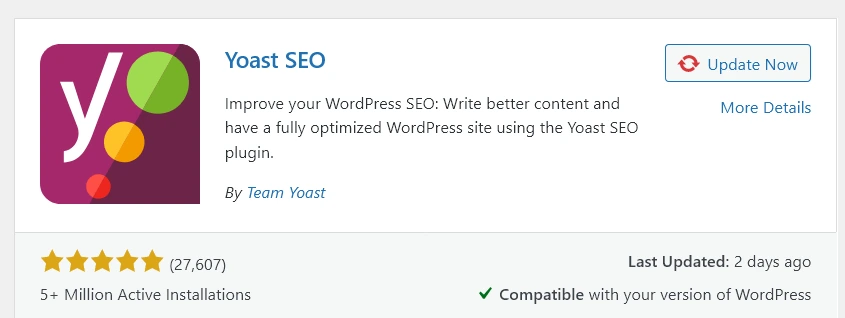
Beginning the SEO journey with plugins like Yoast SEO expands possibilities for your site’s digital presence. This tool streamlines optimization and guides your content toward higher search engine rankings.- As we explore Yoast SEO’s features, we uncover crafting SEO-friendly content that resonates with algorithms. Join us to understand SEO nuances, using Yoast as a strategic ally for visibility, organic traffic, and impactful online presence. Unlock your content’s potential and boost your site’s search engine success.
2. Performance Boost: WP Super Cache
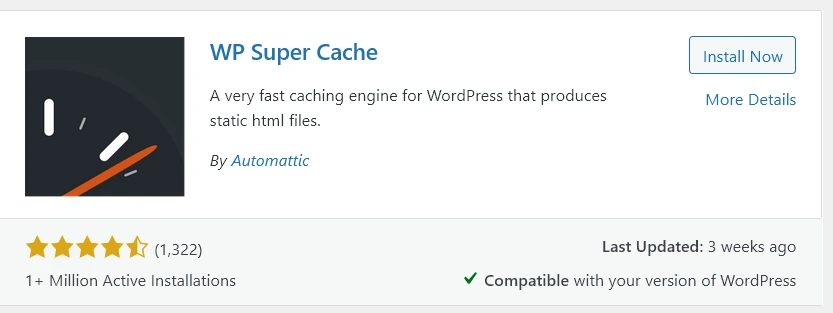
- Embark on a transformative exploration into the realm of website speed and performance optimization with robust caching plugins such as WP Super Cache. Beyond the mere acceleration of loading times, these plugins sculpt an enhanced user experience, transcending the realms of conventional speed enhancements. As we delve into the features of WP Super Cache, we unearth its role as a guardian of seamless interactions, making sure that every visitor navigates through your website effortlessly. The ripple effect extends beyond user satisfaction; it becomes a catalyst for elevating your sites standing in the eyes of search engines.
- Delve with us into the intricate mechanics of caching, where WP Super Cache becomes not just a plugin but a guardian of digital fluidity, propelling your site into the zenith of performance, user engagement, and SEO brilliance. Join the journey where speed meets sophistication, and your website becomes a haven of swift, responsive, and optimized digital experiences.
3. Security Measures: Wordfence Security
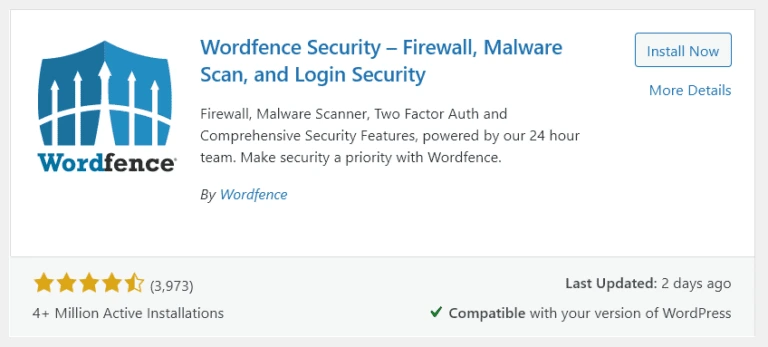
- In this exploration, we illuminate the pivotal role of security plugins like Wordfence Security in fortifying your digital fortress against a myriad of potential threats. These plugins act not merely as safeguards but as vigilant sentinels, offering an impenetrable shield through advanced firewall protection, continuous malware scanning, and a suite of comprehensive security features. As we navigate through the intricate landscape of cybersecurity, we uncover how Wordfence Security transforms your website into a bastion of defense, where every line of code is scrutinized, every vulnerability is addressed, and every potential threat is neutralized.
- Join us on this crucial odyssey, where security transcends the conventional, and plugins become the stalwart guardians making sure the resilience and integrity of your digital presence. In the age of evolving cyber threats, let Wordfence Security be your unwavering ally in the quest for a secure and impervious online domain.
4. Social Media Integration: Shared Counts
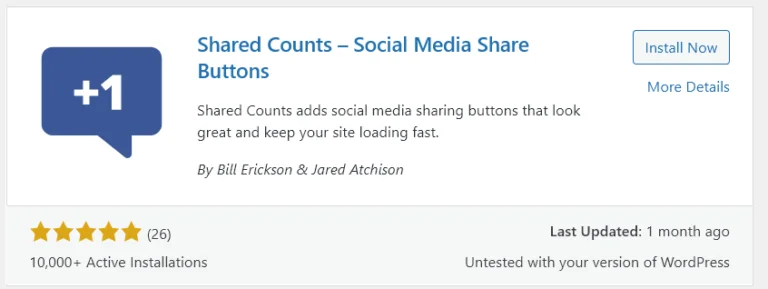
- At the forefront of this exploration are plugins like Shared Counts, poised as powerful allies in simplifying the intricate dance of social sharing. As we delve deeper into the dynamics of social integration, we decode the strategies that go beyond mere sharing buttons. Shared Counts emerges not only as a facilitator but as a catalyst for heightened engagement, transforming your content into a magnetic force that resonates across social platforms.
- The ripple effect is profound – not only does it amplify your reach, but it becomes a driving force behind increased traffic, fostering a dynamic ecosystem where your content takes center stage. Join us in this immersive exploration where social integration transcends the mundane, and plugins like Shared Counts become orchestrators of a symphony that harmonizes engagement, sharing, and a flourishing digital community around your content.
5. Contact Forms Made Easy: WPForms
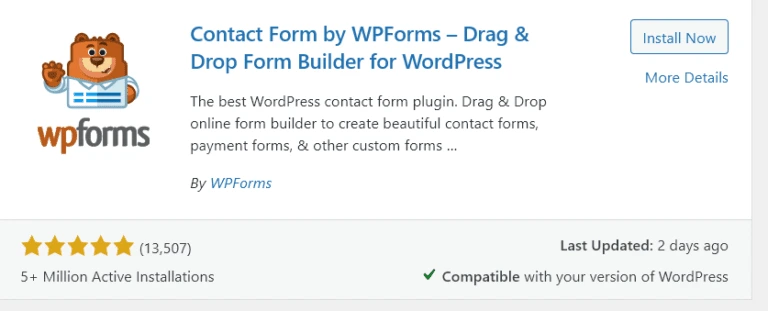
- Simplify the process of creating contact forms with plugins like WPForms. Beyond the mere simplification lies a deeper exploration into the user friendly features that redefine how you connect with your audience. WPForms emerges not just as a form builder but as a communication enabler, seamlessly bridging the gap between you and your visitors. In this exploration, we navigate the details of form creation, shedding light on the intuitive features that empower even the non technical user.
- As we delve into the art of effective communication, WPForms becomes a pivotal tool, making sure that every form serves as a conduit for meaningful interactions. Join us in this immersive journey where simplicity meets efficacy, and WPForms becomes more than a plugin—it becomes the architect of seamless and impactful communication with your audience.
Best Practices for Plugin Management
Discover best practices for managing your plugins effectively. From regular updates to maintaining a lean plugin environment, we share tips to ensure your website stays secure and performs optimally.
Making sure the security and optimal performance of your website is paramount in providing a positive user experience and safeguarding against potential threats. Here are essential tips to achieve both:
Security Tips:
- Regular Updates:
- Keep your sites core, themes, and plugins updated to patch security vulnerabilities and ensure compatibility with the latest technologies.
- Secure Hosting:
- Choose a trusted hosting provider with robust security measures, including firewalls, malware scanning, and regular backups.
- SSL Encryption:
- Implement SSL encryption to secure data transmission between the user’s browser and your server. This is crucial for user trust and SEO.
- Strong Passwords:
- Enforce strong, unique passwords for all user accounts, including administrators, to mitigate the risk of unauthorized access.
- Two Factor Authentication (2FA):
- Enable 2FA to add an extra layer of security, requiring users to verify their identity through a secondary method.
- Security Plugins:
- Utilize trusted security plugins, such as Wordfence or Sucuri, to actively monitor and protect your website against malicious activities.
- Regular Backups:
- Implement automated, regular backups of your website to ensure quick recovery in case of data loss or a security incident.
- Limit Login Attempts:
- Set restrictions on the number of login attempts to prevent brute force attacks on your login page.
Performance Tips:
- Optimized Images:
- Compress and optimize images to reduce file sizes without compromising quality, getting better page load times.
- Caching:
- Implement caching mechanisms to store static versions of your pages, reducing server load and accelerating website speed.
- Content Delivery Network (CDN):
- Use a CDN to distribute your sites static content across multiple servers globally, making sure faster loading times for users worldwide.
- Minify CSS and JavaScript:
- Minimize and combine CSS and JavaScript files to reduce the number of HTTP requests and speed up page rendering.
- Lazy Loading:
- Implement lazy loading for images and videos, loading them only when they come into the user’s viewport, enhancing overall performance.
- Optimized Database:
- Regularly clean up and optimize your sites database by removing unnecessary data, getting better query efficiency.
- Gzip Compression:
- Enable Gzip compression on your server to reduce file sizes transmitted over the network, leading to faster loading times.
How to Choose the Right Plugin But Not Overload the Site
There are dozens of thousands of plugins in the official WordPress repository, which means that it can sometimes be challenging to choose the right one without overloading the site. Fortunately, there are certain criteria that can help with that. Above all, it is crucial to pay attention to the time of the last update.
A year or more since the last update means that the script is no longer supported and using it in one’s WordPress is unsafe because of potential security issues that might arise. Active users and the average rating are also vital for determining the usefulness and safety of the script. A plugin with tens or hundreds of thousands of active users and high rating is usually a safe choice since it has been tested by many.
Besides, it may be helpful to check the last few threads in the plugin’s support forum. Ideally, you want to see a developer who actively responds to users’ requests and issues. A helpful hint is to look for plugins for which the developer is known to resolve the problems users report. If none answer the unanswered questions in the support forum, this may signal that the plugin is no longer supported.
Finally, it is essential to avoid using too many plugins for minor improvements because each such script adds extra code that WordPress has to read and interpret. Besides, the more scripts you use, the more potential security issues there are. You should also be careful when choosing between several similar plugins, trying to pick the one with most positive user reviews. At the end, it is better to have a smaller set of trusted, regularly updated plugins rather than a large one with some potentially unsafe scripts.
What To Do If Two Plugins Conflict With Each Other
A frequent scenario that occurs while running WordPress is deactivating one or more plugins after seeing a white screen or other issues that prevent the site from being accessible. In most cases, it is a conflict between two or more plugins that leads to this problem. It is not always clear which two WordPress scripts are incompatible, but you should remember that such conflicts often arise when two similar plugins are used at the same time, for example, two SEO plugins.
Incompatible plugins can also arise from the fact that one or both were not updated to work with the current version of WordPress or a particular theme. In such cases, there may also be issues with unexpected JavaScript code execution and incorrect CSS rendering, which manifests itself in various ways from minor display problems to a completely white screen.
The most conventional way to solve this issue is to test the plugins one by one in the active state by deactivating and reactivating them to find out which two are incompatible. Although this process is quite cumbersome, it is a reliable method of detecting the problem. In this case, as in many others, prevention is better than cure, and you should test new plugins on a separate test WordPress installation rather than on a live site. This will allow you to see the problem without hurting the visitor experience by encountering it on a live site, which in the case of an online store, can be detrimental to sales.
Conclusion: Empower Your Website with Plugins
Demystify WordPress plugins with our guide and empower your website. Whether you’re a starter or experienced, gain insights for informed decisions. Innostax expertise enhances your WordPress journey, connecting you with skilled wordpress developers and designers.