- 1 Recognize Outdated AngularJS Risks – Understand why outdated apps are vulnerable and how legacy dependencies impact performance and security.
- 2 Perform a Codebase Audit – Identify weak spots, outdated libraries, and potential vulnerabilities through a detailed audit.
- 3 Apply Security Best Practices – Sanitize inputs, monitor for vulnerabilities, and use trusted libraries to ensure safe operations.
- 4 Modernize Architecture Gradually – Introduce modern components step-by-step without full migration to maintain continuity.
- 5 Optimize Performance and UX – Minimize digest cycle complexity and improve responsiveness for better user experience.
- 6 Use Community Support Resources – Leverage ongoing community-led support, updates, and open-source patches.
- 7 Outsource to AngularJS Experts – Get 24/7 support and hybrid migration expertise by partnering with specialized outsourcing agencies.
Introduction
AngularJS changed front-end development for good — and many businesses still rely on it today. But as the framework has aged, a real challenge has emerged: how do you keep an AngularJS application secure, fast, and reliable without a costly rewrite?
This guide covers practical strategies for extending the life of your AngularJS application — without sacrificing performance, security, or scalability.
7 Tips for Angular.js Consultants to Build Long-Lasting Apps
Here are a few strategies for keeping your applications made with viable while planning for the future:
1. Understand the Outdated AngularJS Applications
It is important to recognize the current stake. So, you need to check for the security patches, updates for browser compatibility, and support system. Despite this, many businesses still depend on AngularJS due to legacy integrations, cost constraints, or the complexity of migrating to the new frameworks.
If you are AngularJS web application development agency, then understand that outdated AngularJS applications may become vulnerable to cyber threats.
Beyond the immediate security risks, staying on an unsupported framework also introduces severe talent acquisition challenges. Modern developers are eager to learn and work with current ecosystem standards like Angular 19+ or React. When an enterprise forces new engineering hires to maintain obsolete AngularJS codebases, employee turnover often spikes. Furthermore, many modern automated testing and continuous integration tools no longer prioritize compatibility with legacy AngularJS structures, subtly eroding your team’s overall delivery speed.
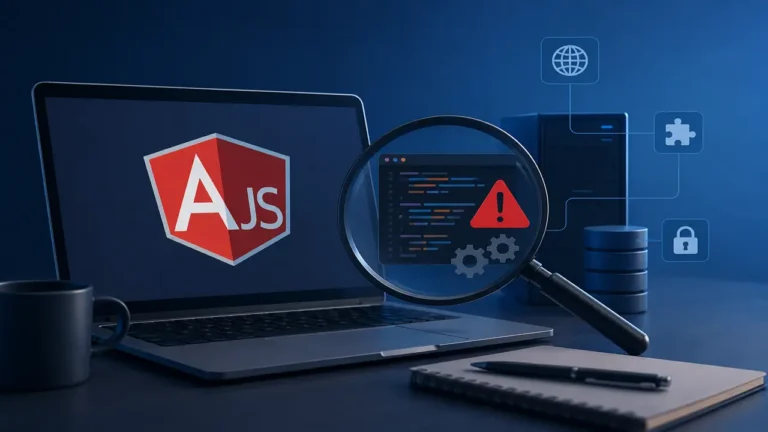
Why AngularJS Applications are Different From Other Legacy Software
Not all legacy software carries the same risk. Here’s the key distinction:
- AngularJS stopped receiving security updates from Google entirely, once support ended.
- A legacy programming language typically still receives critical security fixes from its maintainers, even after new features stop being added.
This gap matters. Every month, the list of unpatched security flaws in AngularJS grows longer, with no fixes coming from the framework’s creators.
Browser vendors add another layer of risk. As Chrome and Firefox update their JavaScript engines, they can deprecate older APIs that AngularJS depends on. An app that works fine today might break after a routine browser update — forcing your team into reactive patching instead of building new features.
The Business Case for Extending Rather than Rewriting
In spite of an unsupported framework, a full rewrite is not always the best option, and it’s important to be upfront about why the business case for extending an AngularJS application is usually stronger than a fresh start.
A functioning and profitable application holds value beyond its source code; the accumulated fixes to bugs, edge cases, and the very real business knowledge embedded in exactly how the application works can be difficult to replicate in an entirely new application, particularly at the first attempt.
By prolonging the life of an application using the techniques described in this guide, you gain the time and opportunity to make a considered decision about migrating rather than being forced to make one by an unexpected emergency.
2. Perform a Codebase Audit
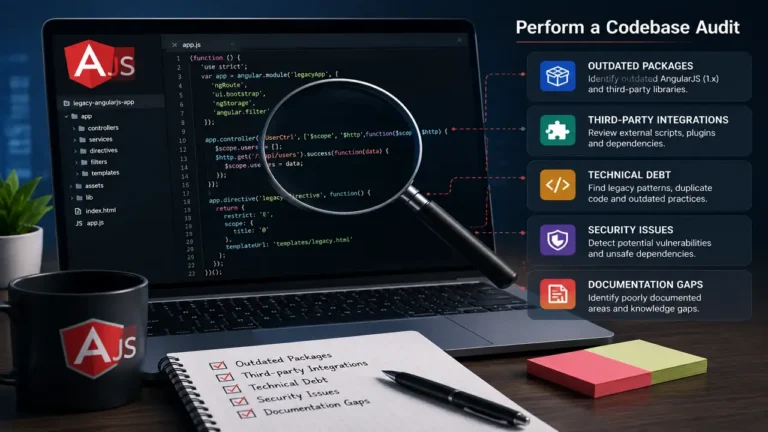
Before extending the life of an AngularJS application, businesses should perform a detailed audit of their application. This process involves the following:
- Identifying outdated dependencies
- Analyzing complexities in the code
- Checking potential security vulnerabilities
- Check third-party integrations
- Evaluating custom directives that may conflict with modern browser rendering
- Documenting undocumented business logic hidden within legacy controllers
Partnering with an AngularJS web application development outsourcing company can provide a clear roadmap of what needs to be updated or maintained.
3. Implement Security Best Practices

Security is of top priority for businesses running outdated software. Even though AngularJS is no longer officially patched, you can still mitigate risks and sanitize user input with trusted libraries. Keep monitoring regularly and server-side vulnerabilities. Security audits are critical to maintaining data integrity and customer trust.
Common Security Vulnerabilities In AngularJS Audit
A thorough audit of an older AngularJS application tends to turn up the same handful of issues. Here’s what to look for.
- Exposed credentials in client-side code. API keys and other sensitive credentials are sometimes hardcoded directly into the front end. This usually happens by accident, and it’s easy to fix once found — but it shows up often in older applications built before proper secret-management practices were standard.
- Cross-site scripting (XSS). This is one of the most common vulnerabilities found in AngularJS audits. It happens when templates aren’t properly sanitized, allowing attackers to inject malicious scripts into pages viewed by other users. It’s especially common in applications built before modern security standards became the norm.
- Unpatched third-party libraries. Even if your AngularJS core is up to date, the third-party libraries your app depends on might not be. These outdated dependencies can introduce vulnerabilities that have nothing to do with AngularJS itself.
- Insecure Direct Object References (IDOR). Older applications frequently passed raw database IDs directly through client-side routing. If these routes lack strict authorization checks, an attacker can simply manipulate the URL to view or alter another user’s private data.
Setting Up Ongoing Monitoring, Not Just a One-Time Fix
Fixing the issues found in your first audit isn’t the finish line. New vulnerabilities in third-party dependencies can appear at any time — even if your AngularJS code hasn’t changed.
To stay ahead of this:
- Use automated tools to continuously scan for vulnerable dependencies
- Schedule regular reviews instead of relying on a single audit
- Track any changes made to the app over time, so new issues don’t slip through unnoticed
Ongoing monitoring is what keeps a one-time fix from quietly becoming outdated again.
4. Modernize the Architecture Incrementally

One of the better ways to extend the life of your application is by modernizing its architecture rather than performing complete changes. You can achieve this by doing the following:
- Creating new modules in modern frameworks
- Using Web Components with modern features
- Gradually replace components
This approach allows businesses to maintain continuity while enhancing their tech stack.
By using the strangler fig pattern, you can run a modern framework like Angular or React alongside your existing AngularJS code. You simply replace individual routes or components one by one over several months. This strategy eliminates the massive risk associated with a big-bang rewrite. It also allows you to deliver new features in the modern framework immediately, proving the return on investment to stakeholders early in the migration process.
5. Optimize User Experience and Performance
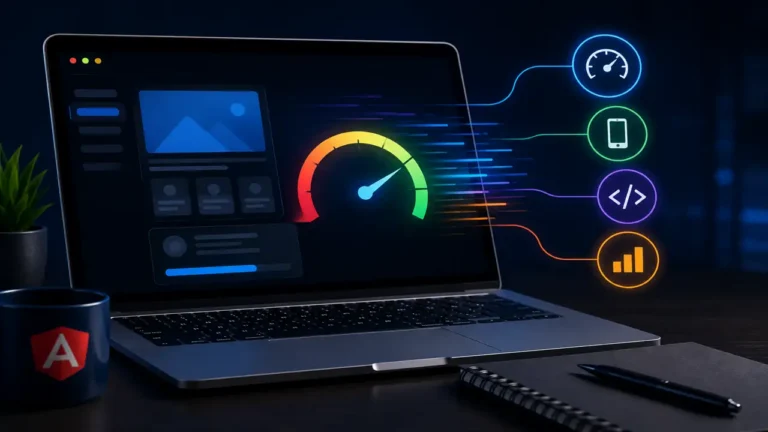
Optimizing performance can improve the life of the AngularJS application development. So, minimize digest cycle complexity to improve responsiveness and use tools. Ensure performance tuning to make your app responsive and usable.
A crucial technique for this is implementing one-time binding (::) wherever possible. By default, AngularJS sets up two-way data binding watchers for every dynamic variable, which rapidly bloats the digest cycle loop as your page grows in complexity. By explicitly telling the framework to only bind static data once, you instantly free up significant browser memory. Additionally, utilizing the track by syntax inside ng-repeat directives prevents the framework from needlessly destroying and recreating DOM elements during list updates.
6. Leverage Extended Community Support
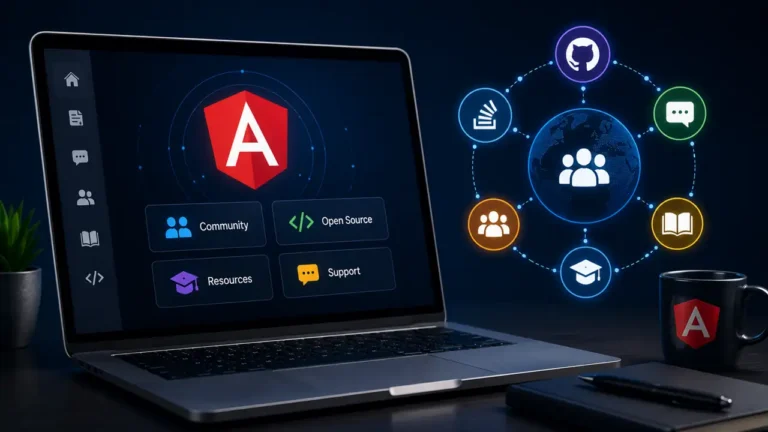
While Google has dropped official support, the AngularJS community continues to provide tools, patches, and guides. Some open-source initiatives offer extended support for AngularJS. Engaging an AngularJS web application consultant that contributes to these community efforts can give your app access to crucial updates.
Signs It’s Time to Move Beyond Extension Toward Full Migration
| Sign | What it suggests |
| Security vulnerabilities recurring faster than they can be patched | Extension strategies are losing ground, not holding steady |
| New features become increasingly difficult to build | Architecture is fighting against, not supporting, growth |
| Talent pool for maintaining AngularJS shrinks noticeably | Long-term staffing risk is increasing |
| Third-party libraries stop supporting AngularJS entirely | Ecosystem support is disappearing, not just slowing |
| Performance issues persist despite optimization efforts | Framework-level limitations, not fixable code issues |
7. Outsource Maintenance and Support

Maintaining a legacy AngularJS application in-house can be time-consuming and costly. Outsourcing offers a cost-effective and scalable solution.
Choosing an AngularJS web application outsourcing company provides:
- Experience in hybrid migrations
- Dedicated support teams
- 24/7 monitoring and maintenance
This helps internal teams focus on core business and AngularJS application remains functional.
External experts already understand the quirks of outdated two-way data binding and dependency injection. They can quickly resolve memory leaks that often plague older front-end systems. Instead of forcing your newest developers to learn an obsolete framework, you can deploy them entirely on forward-looking initiatives. This targeted allocation of talent improves overall team morale and accelerates your primary product roadmap.
Need Help Keeping Your Angular.js Application Alive?
AngularJS may be one of the most used for application development, it still has to be updated occasionally. By securing your stack, auditing your code, optimizing performance, and outsourcing support, you can safely extend the life of your AngularJS application investments.
It is also essential to prepare for the further strategic planning and incremental modernization of the application. Partnering with a trusted AngularJS web application development agency ensures that your application remains secure, stable, and ready for what comes next.
Connect with experienced AngularJS experts who can help you assess, optimize, and evolve your system — one step at a time.