- 1 Scalable solutions that support millions of users
- 2 Built-in security features to protect sensitive data
- 3 Cross-platform compatibility across Windows, Linux, and macOS
- 4 Faster development with pre-built libraries and tools
- 5 Suitable for custom enterprise, eCommerce, CRM, and SaaS applications
- 6 Outsourcing to a .NET application development company reduces overhead
- 7 Flexible engagement models tailored to project needs
- 8 Ongoing post-launch support and maintenance ensure long-term success
If you are not a tech expert, it is difficult to choose the development platform which can feel like navigating a maze. So, making the right technology choices can be the key to your business’s success. This guide will help you to understand more about how .NET is used for application development and how you can benefit from it.
If you are considering a new application, upgrading an old system, or just exploring your options, here’s everything non-technical decision-makers need to know about .NET development.
An Introduction to .NET
.NET is an open-source development platform that is free. It allows developers to build different types of applications like mobile, web, desktop, cloud-based, and different other types. It’s known for its security, versatility, and performance. When businesses talk about .NET application development, they refer to using this framework to build scalable, robust, and high-performing software solutions.
.NET today is not the old Windows-only Framework your IT team remembers from 2012. Current .NET runs on Windows, Linux, and macOS. You can host in Azure, AWS, or a Linux VM. If a vendor only talks about Framework 4.8 and IIS, ask whether they mean that stack or the current one. For a new product, you want current .NET.
The runtime is free. You pay people, hosting, and optional tools. Visual Studio Community exists. VS Code works. SQL Server is a choice, not a tax that comes with C#. Separate “we have to license .NET” (usually no) from the Azure bill.
“Handles 10 million users” is a capacity story, not a promise for your first release. Scale comes from how you design the app and the database, not from the logo on the SDK. What .NET does give you is a mature web stack (ASP.NET Core), a huge NuGet catalog, and a lot of hireable C# developers.
Security features exist. They do not turn themselves on. You still need HTTPS, identity done right, and a review of what you store. Role-based access is useful. It is not a substitute for “we never thought about GDPR.”
Why do Businesses Choose .NET for Application Development?
There are several good reasons why companies choose .NET for their digital projects:
1. Scalability and Performance

.NET is built to handle high-performance applications, it can handle around 10 million users. It is suitable for businesses looking for growth.
2. Security

Security is built into the core of .NET. Features like code access security and role-based access control. This makes .NET application development agency a preferred choice for businesses with sensitive data.
3. Cross-Platform Flexibility
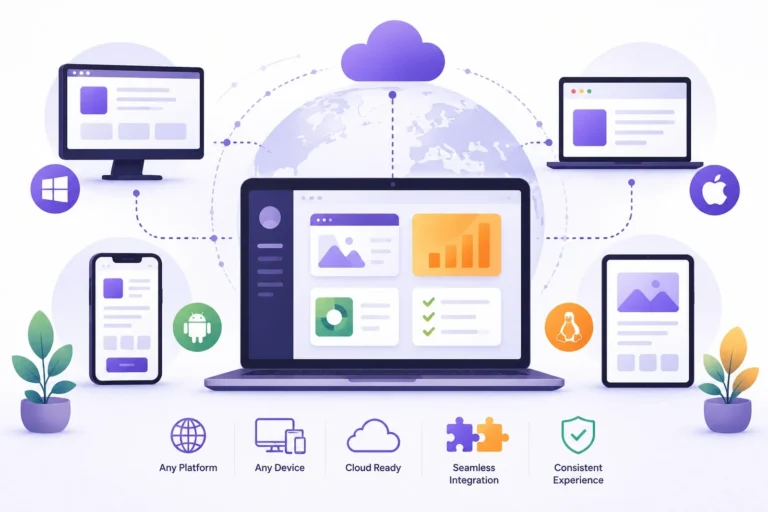
With .NET Core, applications can run across different platforms like macOS, Windows, and Linux—giving your business more flexibility in deployment.
4. Time and Cost Efficiency
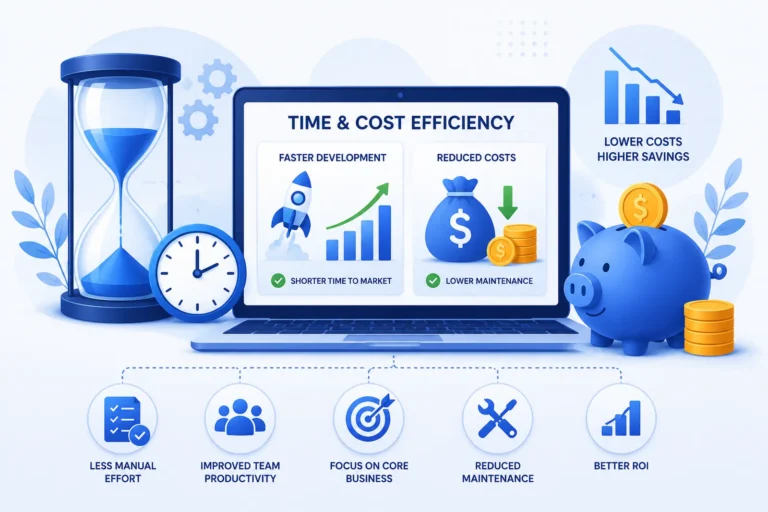
.NET comes with a vast library of pre-written code and tools that speed up development. Faster development helps in lower the costs which has encouraged many businesses to look for ASP.NET web solution development company.
Use cases in the article are real: internal tools, commerce, finance screens, CRM-style systems, SaaS. Java can do the same list. Node can too. Pick .NET when the team already knows C#, you want one language for API and later desktop, or you already sit in Microsoft’s cloud. Pick something else when your staff is already deep in another stack.
A partner who cannot name two similar live systems is a slide deck. Ask who owns production after go-live, whether the people on the sales call write the code, and what happens when you need a hotfix on a Sunday. Outsourcing is a good move when you cannot hire seniors locally and you still have someone inside who can accept work. It is a bad move when the only brief is “build us a portal” and nobody is free on Wednesday.
Framework apps can stay up while you build new services on current .NET and talk over HTTP. A full rewrite is rarely the first move. Ask which module moves first.
The official site is learn.microsoft.com for .NET. Read a page there if a vendor’s deck and Microsoft’s own words disagree.
NuGet is the package feed. Fast to add a library. Easy to add twenty and then fear upgrades. Ask the partner how they vet packages and who owns the upgrade when a CVE lands.
C# and the runtime move on a schedule Microsoft publishes. LTS versions last longer. A project started on a version that goes out of support in a year is a hidden bill. Ask which LTS they will ship on.
A “.NET shop” that cannot show a CI build and a deploy to staging in the first two weeks is not slow. They are not set up. That delay will sit in every later release.
Common Use Cases for .NET Development
.NET is a highly versatile platform. Here are a few examples of what businesses typically build with it:
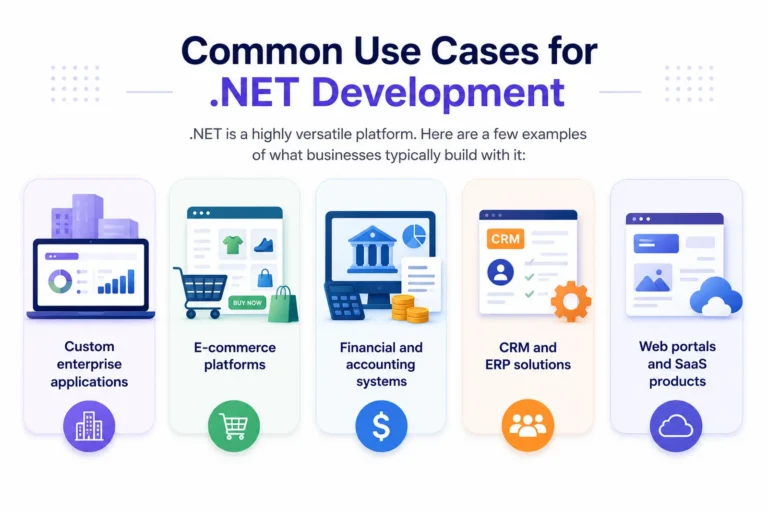
- Custom enterprise applications
- E-commerce platforms
- Financial and accounting systems
- CRM and ERP solutions
- Web portals and SaaS products
Desktop still happens: WPF and WinForms for internal Windows tools, MAUI if you truly need mobile and desktop from one C# codebase. MAUI is not a free extra. It is a second product surface. Do not add it to a web quote as a footnote.
Cloud-native on .NET usually means containers, a health check, and logs you can search. “We will put it on a VM and RDP in” is 2014. Fine for a tiny internal tool. Weak for a customer-facing API.
Auth: Microsoft Entra ID (Azure AD) is common if your staff already lives there. Cookie auth or a simple JWT is enough for many SaaS apps. Do not buy a full identity product you will not staff.
Background jobs (email, invoices, imports) need a worker or a queue. Putting that on the web request is how the site dies at 9am. Ask where jobs run.
File uploads (PDFs, images) need storage, virus scan if you are serious, and a size cap. “Just put it on disk on the server” fails the first time you scale to two instances.
Choosing the Right .NET Development Partner
For non-technical leaders, the success of your .NET project often depends on who you work with. Here’s where a .NET application development company comes in. A reliable agency brings technical expertise, project management, and business alignment on a single platform. Whether it’s a local .NET application development agency or a global .NET development outsourcing company, the right partner makes all the difference.
Here’s what you need to look for while choosing your .NET development partner:
- Clear communication and transparency
- Portfolio of successful .NET projects
- Ability to scale with your needs
- Post-launch support and maintenance
Outsourcing .NET Development: A Smart Move?
If you want to access the top talent and accelerate time to market then you need to choose a proficient .NET application development company for outsourcing. It will help you to make the desired application within the proper budget.
A .NET application development company for outsourcing can help you build better apps without the overhead of managing an in-house tech team. These companies offer flexible engagement models and often bring niche expertise in asp .NET development and asp .NET web solution development.
Questions to Ask Before You Begin
As a decision-maker, you do not need to know to code, rather you do need to ask the right questions. Here are some to start with:
- What platform (web, mobile, cloud) are we targeting?
- What’s the scope of the project and timeline?
- Will the solution be scalable and secure?
- What does post-launch support look like?
Blazor exists if you want C# in the browser. It is not required. Plenty of .NET shops still ship React or Angular on the front and Core on the API. “We are a .NET house” does not mean the website must be Razor Pages.
Entity Framework is the usual data access. It is fast to write and easy to make slow queries with. Ask how they review SQL on hot paths. Dapper or raw SQL is fine when a page is heavy. The choice is a skill issue, not a religion.
Licensing SQL Server or using Postgres on Linux is a business choice. .NET talks to both. Do not let a vendor lock you into SQL Server because “that is what we always do” unless you already own it.
Support after launch should name hours, a ticket tool, and who is on call. “We are available” is not a plan. Versions of .NET go out of support on a published schedule. Someone has to upgrade the runtime. Put that in the retainer.
If your staff is three Excel power users and no developers, you are buying a team, not a license. The platform debate is secondary to whether those people can stay for two years of change requests.
A fixed-price .NET build needs a frozen scope. Time and materials needs a cap and a weekly demo. Hybrid (fixed for MVP, T&M after) is what a lot of grown-up buyers use. Pick one in writing.
Ask where the code lives on day one. Your org’s GitHub or Azure DevOps, not a personal account. If you do not have admin, you do not own the product.
Environments: dev, staging, prod. If they only have prod, the first bad deploy is a customer event. Staging with a copy of the schema (not live personal data) is the minimum.
Reporting and Excel export show up in every business app. They are boring and they eat weeks. Put them on the backlog with a size, or they will sneak in as “just a small CSV.”
Observability: you should be able to answer “what failed in the last hour” without SSHing into a box. App Insights or an equivalent is the usual .NET answer. If they shrug, you will learn about outages from customers.
Domain language in the code should match how your staff talk (order, claim, policy). If the database is full of tbl1 and foo2, the next team will charge you to learn your own business.
A data migration from the old system is its own project. “We will just import Excel” is how you lose a month. Count rows, bad rows, and who fixes them. Put it on the plan with a name.
Training for your users is not the vendor’s free gift. Budget a session and a one-pager. Software nobody can use is a write-off, not a platform win.
If two partners both “do .NET,” pick the one who has shipped your industry or your shape (SaaS, internal, commerce). A generic slide about C# is not a fit.
Is .NET Right for You?
If you’re looking for a reliable, modern, and secure platform that supports rapid development across platforms, .NET could be the ideal solution for your business. It will help you make the desired application as per your requirements.
Learn more about the official .NET development platform