- 1 Single-Page Apps (SPA): Fast, smooth, and dynamic updates without full page reloads. Examples include Gmail and Google Maps.
- 2 Web Applications: Run in browsers without downloads, offering real-time data and synchronization. Examples include Upwork and Forbes.
- 3 UI Development: Real-time UI synchronization with reusable components, making it efficient for scalable UIs. Examples include PayPal and YouTube PS3.
- 4 Angular.js supports five app types: single-page apps, web apps, UI development, mobile apps, and progressive web apps, making it flexible for different use cases.
- 5 With two-way data binding, built-in RESTful API support, and reusable components, it remains a solid pick for small and medium scale organizations needing a stable, well-documented framework.
Are you looking for building a simple app for your target audience? If yes, then the best technology used for building small-scale app solutions is Angular.js. This frontend development framework developed by Google has been used by 557,406 companies as of February 2025. Angulr.js framework is being used for app development ever since its launch in October 2010. Many apps of Google that we use on a regular basis are built on this platform. Let’s checkout the different kinds of apps you can develop using Angular.js.
Single-Page Applications
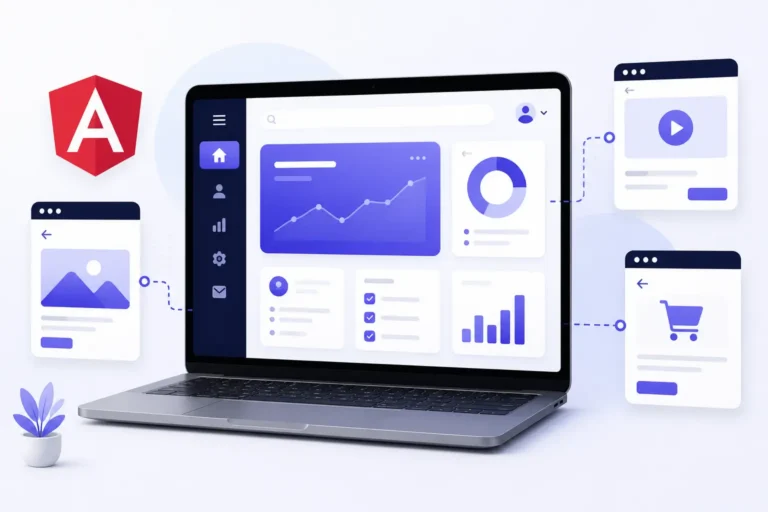
As the name suggests, a single-page application only has one web page, which keeps updating as per user inputs and requests. The app does not require to reload the entire page when user makes a request. Instead, it accepts the user’s request and dynamically updates the content as per their requirements, providing a much faster and smoother experience.
Here’s why developers prefer using Angular.js for single-page application development:
- Automatic UI updates with changes in data.
- MVC architecture makes it modular and maintainable.
- In-built routing features allows navigation without page reloads.
- Easy to manage dependencies and reuse components.
- Dynamic extension of HTML functionalities.
- Built-in support for communication with RESTful APIs.
Popular Single-Page Apps made with Angular.js: Gmail, Google Maps, and Weather.com.
Web Applications
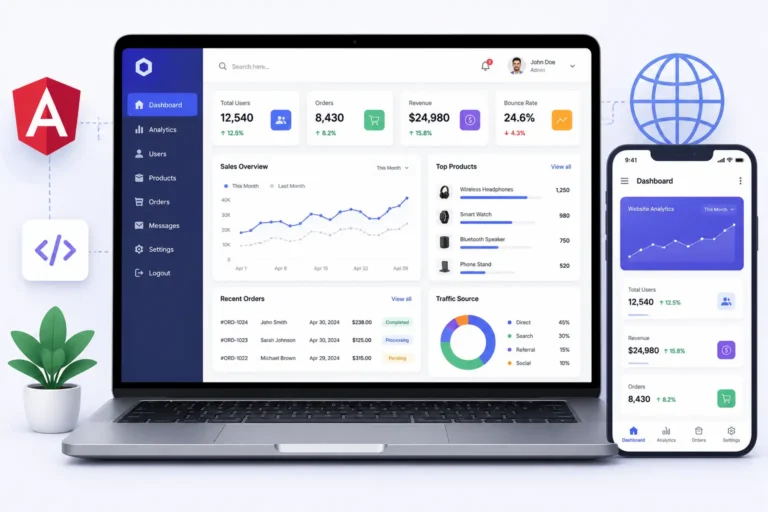
You can run a web app on your browser. Thus, users don’t have to download them to use them and get the dynamic content, user authentication, and real-time data handling of an application. All emails, social media platforms, and ecommerce websites we use are web applications.
Following are some of the reasons why Angular.js is great for web application development:
- Real-time synchronization of UI and data models.
- Easy to maintain.
- Smooth navigation without full page reloads.
- Reusable and testable codes.
- Built-in directives for extending HTML.
Popular Web Apps made with Angular.js: Upwork, Lego online store, and Forbes.
UI Development
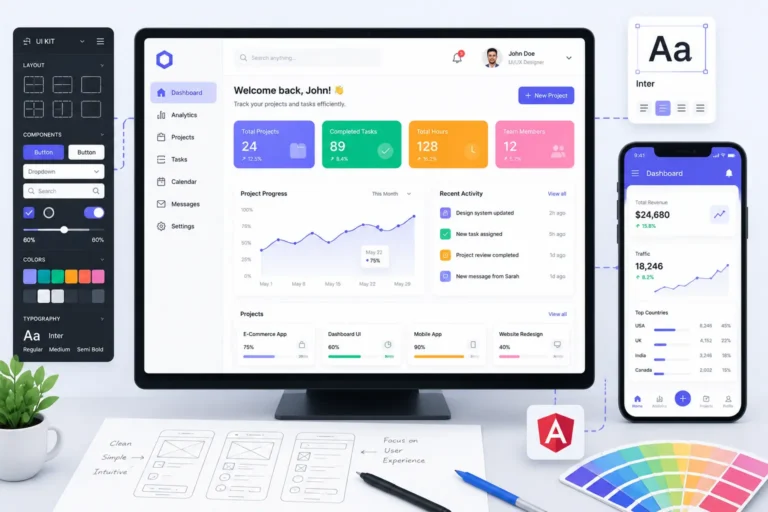
UI or user interface is the design of the layout of the website or app that a user interacts with. It includes the menu, the way content is presented on the page, the colours, fonts, and images, functionalities, responsiveness, and dynamic behavior of content as per user inputs.
Angular.js is a frontend framework that is popularly used for UI development due to the following reasons:
- Real-time synchronization between UI and data model.
- Has modular and reusable UI elements.
- Has built-in directives for extending HTML functionality.
- Fast and seamless UI interactions without page reloads.
- Simpler component management enhancing scalability.
- Can create interactive and customizable UI elements like buttons, forms, and modals efficiently.
Popular UIs developed using Angular.js: PayPal, The Weather Channel, and YouTube for PS3 App.
Mobile App Development
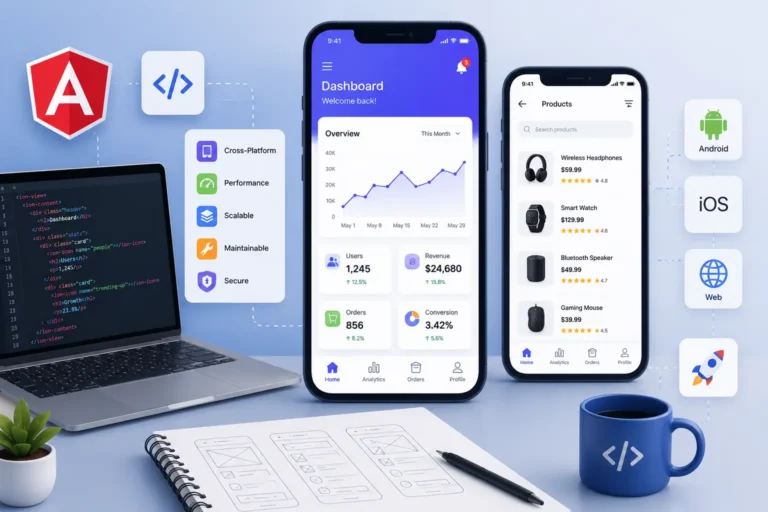
Majority of smartphone users either use Android or iOS. When designing a mobile app, it needs to be compatible with both and needs to be responsive for all sizes of smartphones and tablets along with web browsers.
Here’s why Angular.js works well for mobile app development:
- Writing the code once is enough to work on all platforms.
- The two-way data binding provides real-time updates of data.
- Apps are scalable and easy to maintain here.
- Integration with RESTful APIs for backend connection.
- Smooth navigation without page reloads.
Popular mobile apps made using Angular.js: Udacity, Gilt, and JetBlue.
Progressive Web Applications
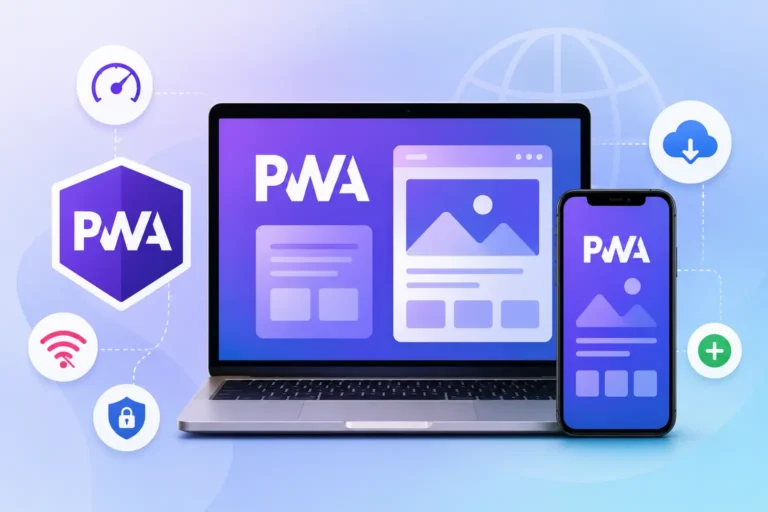
A progressive web app is compatible with web browsers, tablets, and all smartphones. It is more advanced than a native app as it can work in offline mode. Additionally, these apps can be installed directly from the browser.
Here’s why Angular.js works well for progressive web app development:
- It provides seamless navigation without page reloads.
- The latest versions of AngularJS provide easy implementation for caching offline access.
- Has lazy loading for optimizing speed and performance.
- Provides cross-platform compatibility to work across different browsers and devices.
- Fetches and displays real-time data with ease.
Popular progressive web apps made with Angular.js: iStock Photo, YouTube TV, web version of Gmail
What Do You Need Angular.js for?
Depending on the services you provide to your target audience, you can choose to develop either a native mobile app, a native web app, a single-page app, or a progressive web app. You can choose to work with Angular.js for either UI development or the entire frontend development of your app. Most commonly, it works for small and medium scale organizations and designing enterprise solutions.
Common Mistakes That Business Owners Make When Choosing Angular.js
The first mistake that many people, unfortunately, make is due to popularity and availability for free. When choosing a particular framework it is vital to establish whether your in-house team has enough experience to reduce the failure risk. Although learning this technology is not as difficult as it seems, it is better not to choose it if your specialists have a low level of experience. Although the high learning curve in this case in not present, the development will take much longer than expected.
The second mistake that inexperienced companies make is confusion between AngularJS and Angular. In most cases, as such organizations contact us to get a quote, we realize that in reality they want to work with the newest version of the framework. Therefore, it is essential to clarify what version your company wants to use. Since AngularJS was released in 2010, the latest version has a considerable difference from the first one.
Many companies and organizations, including those with vast experience in the sphere, make the same mistake of wanting to develop single-page applications, mobile apps and progressive web apps at the same time. In most cases, this strategy does not lead to the desired outcome. In this case, it is better to start with one application that will meet the needs of most customers, and then move to the others.
Some organizations, especially those without much experience in this sphere, make a mistake of thinking that their product will be beneficial for everyone, regardless of specific needs. Inexperienced teams often try to include everything possible into their single application, so that it would be suitable for all users, which leads to an unfavorable result. Most people tend to believe that the development of their application is over, when it has been released and started working. In fact, there is a lot to be done after the app has appeared in the app store or on the website. The specialists in charge of the application need to update it on a regular basis, so that the app would remain relevant and secure.
Getting Started with Angular.js Development
Typically, the first practical step in the engagement is a discovery session with the dev team to understand which kind of application would be the best fit for the particular business need.
After this stage, most projects enter the scoping stage, where the main features to be delivered by the software under development are discussed and scheduled.
However, working with teams that have actual experience with Angular.js development rather than the general frontend experience may lead to significantly better outcomes in terms of the speed and quality of development.
The reason for this is simple: when working with any framework, developers have to follow extra conventions in order to get optimal results.
Therefore, a team with specific experience in Angular.js development will produce better code more quickly, regardless of the complexity and the size of the project.
Is Angular.js Suitable for Your Project?
It is a simple question, really. Do you need wider accessibility with less customization-specific code, or do you need something more tailored, which a rising star in the domain would offer right out of the box? For most smaller projects, with a decently set scope and a reasonable deadline, Angular.js still offers a viable solution.
Still, it is always best to ask a seasoned Angular.js development team for an assessment. They would look at the specifications you have in mind (be they single-page applications, mobile development, or progressive web apps) and advise you on whether they would be a good fit for Angular.js or another framework would be more suitable for your case.
A Few Signs You Might Need Angular.js Case Study
In the first place, it has to be said that using Angular.js is not a good option in every situation. Therefore, if you need to build several light apps with a small budget, this is not the framework for you. In more than any case, using global frameworks for simple projects is regarded to be an overkill that is too much for a small-scale endeavor.
Besides, if you and your team are already comfortable with another framework, you should think very hard about switching to Angular.js, unless you are working on an enterprise-level project. The amount of time you and your team will spend learning the new framework will be far exceeded by any potential benefits.
In the last place, the only scenario where using Angular.js makes sense is when you are working on a large-scale app that will require extensive collaboration and has to use dozens of views that have to share data.