- 1 MVC Architecture – Separates data, UI, and logic for streamlined development and better maintainability.
- 2 Versatile Framework – AngularJS supports various web applications, including SPAs, dynamic websites, and e-commerce platforms.
Did you know that many of the Google apps you use regularly are made using AngularJS? Ever since its launch in 2010, the framework has been used widely by more than a million websites and web applications.
AngularJS is an open-source frontend framework developed by Google and is known for being user-friendly, flexible, and efficient. It also has an excellent support system along with a wide, open community of users worldwide.
To understand why developers love using this frontend framework, let’s understand the scope of the frontend framework.
What is AngularJS Used for?
AngularJS is flexible enough to help you create 10 different types of software products. It is known for creating platforms that are interactive and useful for the user, helping them access various products or connect to each other. Following are the possibilities the framework provides:
Single Page Applications

A web application that dynamically rewrites on only one web page as per the user’s interaction and requirement is a single page application. Transitions are made faster here as the user is not opening multiple pages. Gmail and Trello are two single page applications made using AngularJS.
Enterprise Web Applications

Large business organizations can benefit from a web application that facilitates internal communication, data management, supply chain management, and human resource management. Various Google and Microsoft products used by companies for their internal functioning are made using AngularJS.
Dynamic Websites

Unlike static websites that only provide information, a dynamic website is interactive and retrieves data based on real-time usage. Upwork and Forbes are popular dynamic websites made using AngularJS.
Dynamic Web Applications

These applications are accessible from the web browser and provides response to user interaction by changing data without reloading the same page again and again. The best example of a dynamic web application made using AngularJS would be PayPal.
E-commerce Platforms

These websites or applications allow you to explore and purchase physical products from an online platform. Online shopping has become very popular and a preferred choice for many individuals globally. Shift4Shop and AngularSpree are two e-commerce platforms made using AngularJS.
Content Management Systems
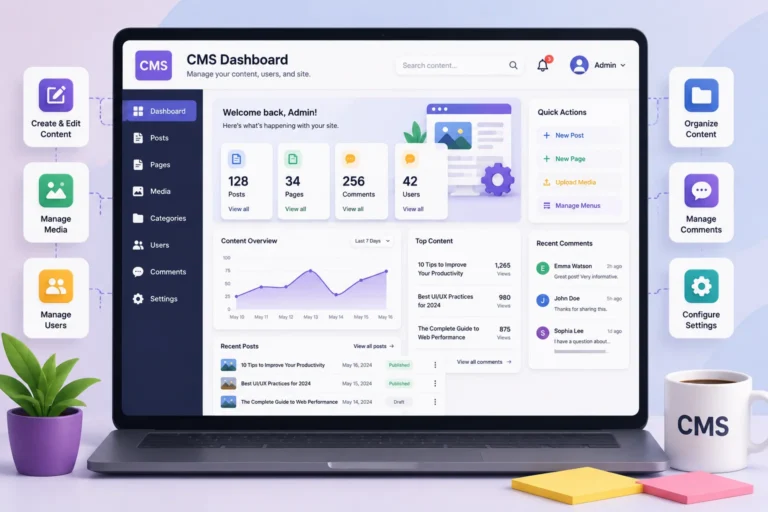
A content management system is a type of web application where multiple users can create, edit, and manage digital content from a single account. Taiga and Angular CMS are two content management systems made using AngularJS.
Dashboards
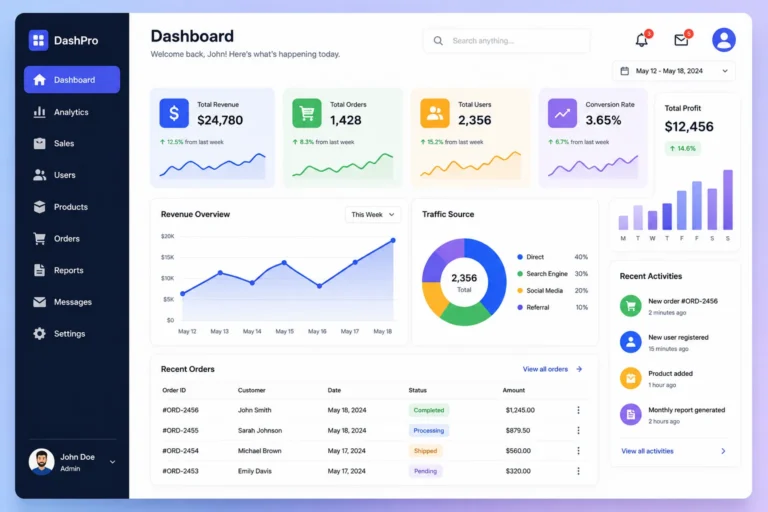
A dashboard is a single page that displays all kinds of visual data in a consolidated manner, making it easy to access whichever the user wants. ArchitectUI, SB Admin Angular, and Monarch are examples of dashboards created using AngularJS.
Social Media and Chat Applications

Social media platforms help users connect with each other, facilitating interaction and sharing of media files. YouTube, Sport-Hub, and VibeVortex are some social media apps made using AngularJS.
Progressive Web Applications
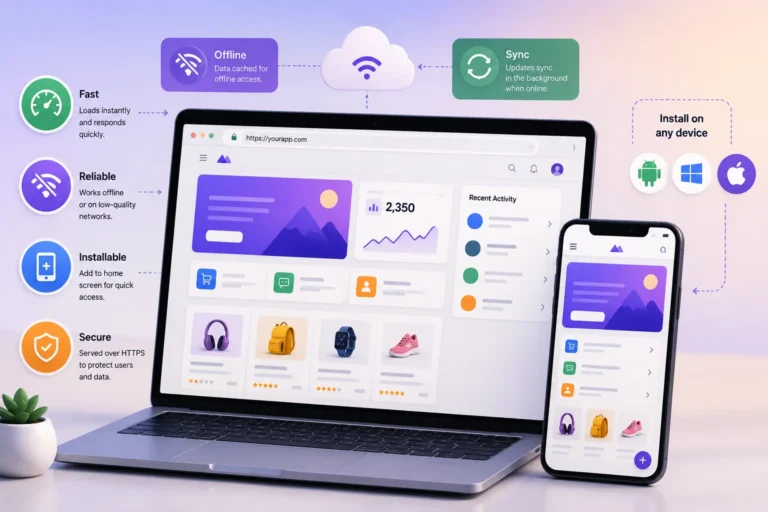
A progressive web application can be used in a device by installing it or through a web browser. It is a platform helping users access various files or interact with each other. Starbucks and Twitter developed their progressive apps using AngularJS.
Real-time Applications
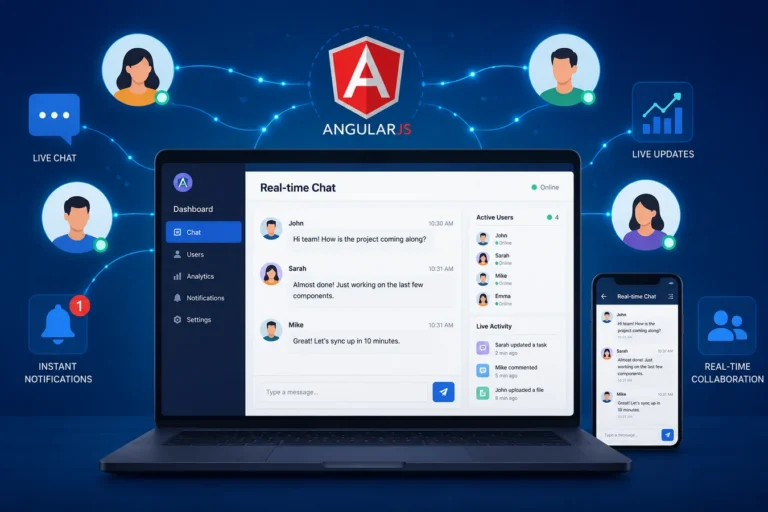
These apps are programmed to provide real-time data to users within an immediate time-frame. Weather.com is a popular real-time application made using AngularJS.
AngularJS vs. Angular: Understanding the Difference
One of the most common points of confusion for teams researching this topic is the relationship between “AngularJS” and “Angular.” They are often assumed to be the same framework at different version numbers, but that isn’t accurate — and the distinction matters if you’re deciding whether to build or maintain a project on AngularJS today.
AngularJS refers to Angular version 1.x. It is built on JavaScript uses a scope‑based two‑way data binding model and arranges applications around controllers and directives as mentioned earlier.
Angular versions 2 and newer sometimes called “Angular 2+” is a rewrite, not a minor upgrade. It is built on TypeScript uses a component‑based architecture of controllers and introduces a new dependency injection system, a new change detection model and CLI tooling. Because the core architecture changed drastically there is no simple in‑place upgrade path from AngularJS to Angular. Moving from one to the other feels like a rebuild, than a simple version bump.
| AngularJS (1.x) | Angular (2+) | |
|---|---|---|
| Language | JavaScript | TypeScript |
| Architecture | MVC, controllers & scopes | Component-based |
| Mobile support | Limited, add-ons required | Built-in |
| Performance | Slower on large apps (digest cycle) | Faster (better change detection) |
| Official support | Ended December 2021 | Actively maintained |
Knowing which one a project actually uses. And which one a new build should target. Is the decision point, for any team evaluating this stack.
Why Do Developers Use AngularJS for Development of Various Web Applications?
Following are some of the reasons why developers prefer to use AngularJS for web development:
MVC (Model-View-Controller) Architecture
The MVC architecture comprises of 3 parts:
- Model: The data handler that retrieves information from a database and then organizes it further.
- View: It is the user interface where the user can view the data in a presentable format.
- Controller: It acts as the gateway between the user, the model, and the view. User requests are processed by the controller, taken to the Model, and then the user is able to see the output through the View.
This way of functioning makes it more user-friendly, convenient, and efficient.
Two-way Data Binding
The framework is easy to use as every update you make automatically gets saved in the memory. Every input made by the user in the Model is saved in real-time and hence there is no scope of losing any data.
Dependency Injection
It has an in-built dependency injection system, where stored information is used as and when required. It primarily helps in making the applications more modular and testable.
Reusable Components and Directives
A developer can create multiple applications using this framework from one account. There may be some common codes for two different applications. Instead of rewriting them for both, they can create a custom directive and component and then reuse it as many times as they want, also helping in maintenance of data.
Single Page Application Support
Using AngularJS for single page app development is very convenient as it provides faster loading time, seamless navigation, and a great user experience where page reloads are made more efficient.
Enhanced Testing Capabilities
The framework has built-in tools like Karma and Jasmine for unit and end-to-end testing. Its simpler debugging process makes it more reliable for the developer.
Comprehensive Templates
You can extend traditional HTML with dynamic directives, which in turn helps to create interactive web pages.
Built-in Form Validation
Creating forms on AngularJS can be very efficient due to its in-built validation features for simpler handling of user inputs and maintaining data integrity.
Cross-Platform Development
You can build applications for both mobile phone devices and desktops, making it more flexible and convenient to use.
Robust Community Support
The framework is open-source and maintained by Google. The community of developers provide you with many tutorials, libraries, and resources that may be helpful to you.
Is AngularJS Still Relevant Today?
Because developers have used AngularJS for years I want to answer a question that many teams ask: Is AngularJS still a good choice for new or ongoing projects?
The honest answer is not simple. AngularJS support and long‑term support ended on December 31 2021. Since that day Google has not released features, bug fixes or security patches for AngularJS and the core code base has been archived. Any new security problem found in AngularJS after that day has no fix from Google.
That does not mean all AngularJS applications must be removed. Many AngularJS apps still run smoothly in production. Rebuilding an old system is a big job. But there are things that need to be considered when making a decision:
- Security risk increases the longer AngularJS is used. If official updates are not released any new vulnerability will remain unchecked. A third‑party extended support provider can offer such updates for AngularJS.
- The surrounding ecosystem does shift. Browsers, build tools. Javascript libraries keep developing while AngularJS itself stops updating. This mismatch can slowly create problems for AngularJS compatibility.
- Finding talent, for AngularJS becomes harder. Most frontend developers today focus on Angular, React or Vue. Consequently it is increasingly difficult to locate engineers who have AngularJS expertise.
- New projects should usually steer clear of AngularJS. For builds AngularJS is not advised because there are actively maintained alternatives available.
For teams currently running AngularJS in production, the practical options are typically: continue running it as-is while monitoring risk, adopt a third-party extended-support package for security patching, or plan a phased migration to a modern framework. The right call depends on the application’s exposure to sensitive data, its expected lifespan, and how business-critical it is.
AngularJS vs. Modern Alternatives
If you’re weighing AngularJS against other frontend options for a new project, here’s a quick side-by-side of where each stands:
| Framework | Maintained By | Status | Best Fit For |
|---|---|---|---|
| AngularJS | Google (community/third-party support only) | End of life since Dec 2021 | Maintaining existing legacy apps |
| Angular | Actively maintained, regular releases | Large-scale enterprise apps needing structure | |
| React | Meta (community) | Actively maintained | Flexible UIs, large ecosystem, incremental adoption |
| Vue | Community-led | Actively maintained | Lightweight apps, faster learning curve |
AngularJS’s structured, opinionated approach — MVC architecture, built-in directives, two-way binding — is still a genuinely good design pattern; it’s the lack of ongoing security maintenance, not the architecture itself, that’s the primary reason it’s no longer recommended for new work.
How to Migrate from AngularJS to Angular: A Practical Roadmap
For teams that decide a migration is the right long-term move, it helps to know the transition isn’t a single switch — it’s typically phased. A general approach looks like this:
- Audit the existing application. Map out every module, controller, directive and third‑party dependency that still uses APIs.
- Introduce a setup. Google’s ngUpgrade tool lets AngularJS and Angular run side‑by‑side inside the application so the team can move gradually instead of rewriting everything at once.
- Migrate components module by module. Start with low‑risk, parts of the app to test the migration plan before moving on to core features.
- Replace two‑way data binding patterns. Angular’s component‑based one‑way data flow model means I have to rethink how state moves across the app.
- Update the build and testing pipeline. Shift from AngularJS‑era tools to the Angular CLI. Change existing Karma/Jasmine tests to fit the new component structure.
- Decommission the AngularJS runtime. After every module is migrated and checked the old AngularJS dependency can be removed completely.
This process can take anywhere from a weeks for smaller applications to several months for large enterprise systems. Because this process is complex it is usually planned as a project rather, than a quick update.